
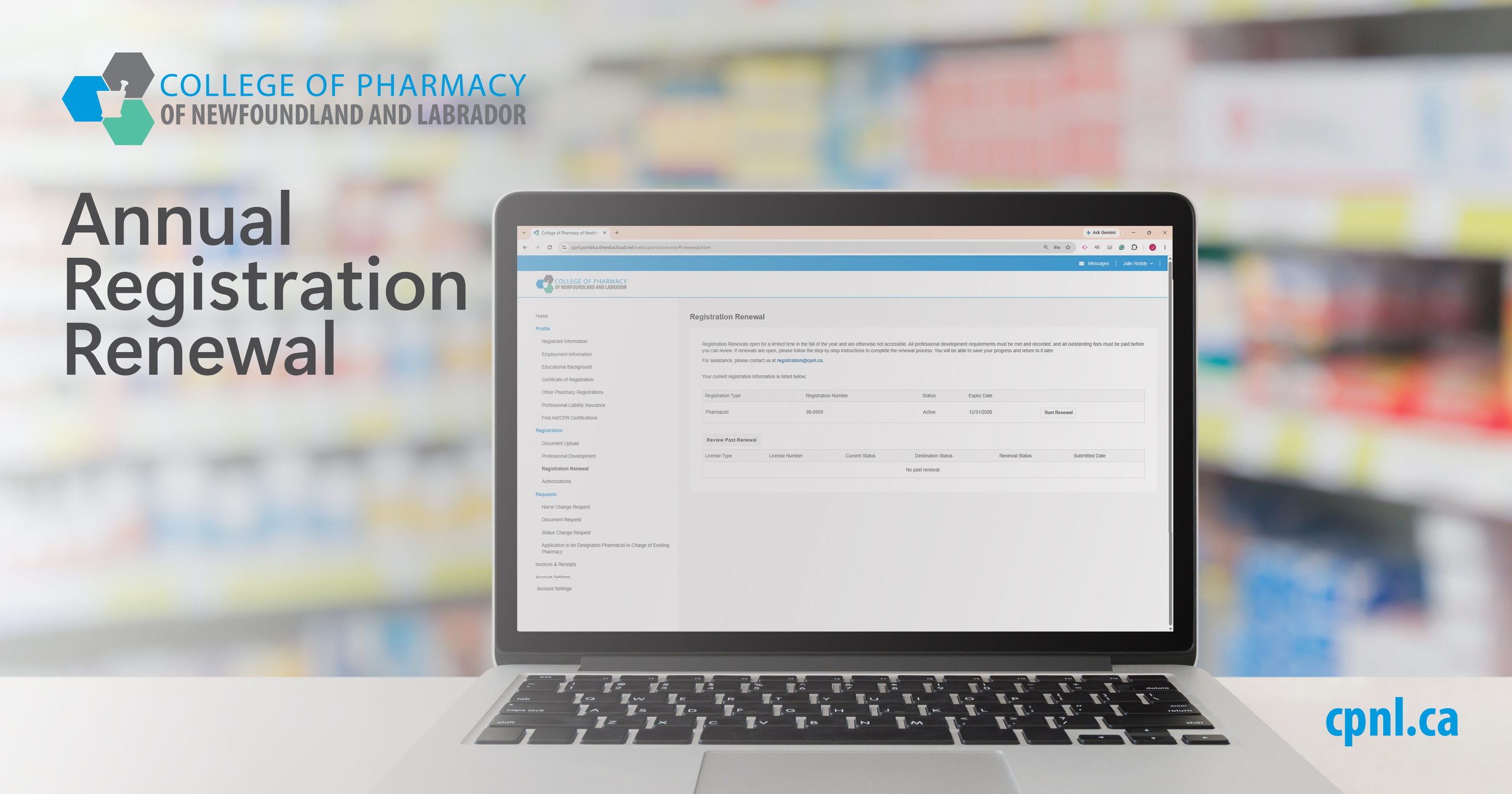
CPNL’s annual registration renewal period for pharmacists and pharmacy technicians is now open. Please note:
Before you renew your registration
Professional liability insurance
All pharmacists and pharmacy technicians are required to maintain continuous professional liability insurance per CPNL’s Professional Liability Insurance Requirements for Registration and ensure documentation related to this coverage is current and accurate in the Registrant Portal.
Ensure that you have a copy of your current certificate of insurance available for upload during the registration renewal process, if required.
Documenting Learning Activities
Pharmacists and pharmacy technicians are required to document the completion of 15 CEUs for the December 1, 2025-November 30, 2026 professional development cycle, in accordance with the Professional Development Requirements Interpretation Guide. A minimum of 5 CEUs must be accredited, and the remaining may be either accredited or non-accredited.
For additional information on professional development requirements, please refer to the Professional Development page on the CPNL website and the Professional Development Requirements Interpretation Guide.
Documentation for each learning activity must be completed in the online Registrant Portal.
For step-by-step instructions, please refer to the Registrant Portal User Guide – Adding Professional Development Activities.
First Aid & CPR Certification
Pharmacists and pharmacy technicians who are authorized to administer drug therapy by inhalation or injection must maintain First Aid and CPR certification and should ensure that documentation related to this certification is current and accurate in the Registrant Portal.
Ensure that you have a copy of your current First Aid and CPR certification available for upload during the registration renewal process, if required.
If you are not currently certified and you no longer wish to be authorized, contact CPNL at registration@cpnl.ca regarding next steps.
Payment of outstanding invoices
If you have any outstanding invoices on file with CPNL, these must be paid prior to renewing your registration.
How to Renew Your Registration
For security purposes, the system will automatically log you out after 30 minutes of inactivity.
For step-by-step instructions, please refer to the
Paying Your Registration Renewal Fees
Renewal is not complete until payment has been received by CPNL.
Regardless of method, payment must be received by CPNL by November 30, 2026.
Pharmacists are reminded to update the CIHI Workforce Planning Information section for each current employer in their Registrant Portal profile. This information aids in evidence-based planning to make sure Canadians can access health care services when and where they need them.
After You Renew Your Registration
You will be notified by email when your renewal has been approved. If you have not received notification after 7 days, contact CPNL at registration@cpnl.ca to inquire about the status of your application.
Invoices and Receipts can be downloaded or printed by clicking the Invoices & Receipts link in the side menu and clicking the Review button next to the appropriate invoice.
Your 2027 Certificate of Registration can be downloaded or printed by clicking the Certificate of Registration link in the side menu and clicking the Download/Print Certificate button next to the appropriate registration.
Taking Leave or Retiring
If you do not plan to practice pharmacy in 2027, please visit the Leave and Reinstatement page of the website for information on how to change your status to Inactive.
If you have any questions or issues completing your registration renewal, contact CPNL at registration@cpnl.ca.